



Playjonny Login
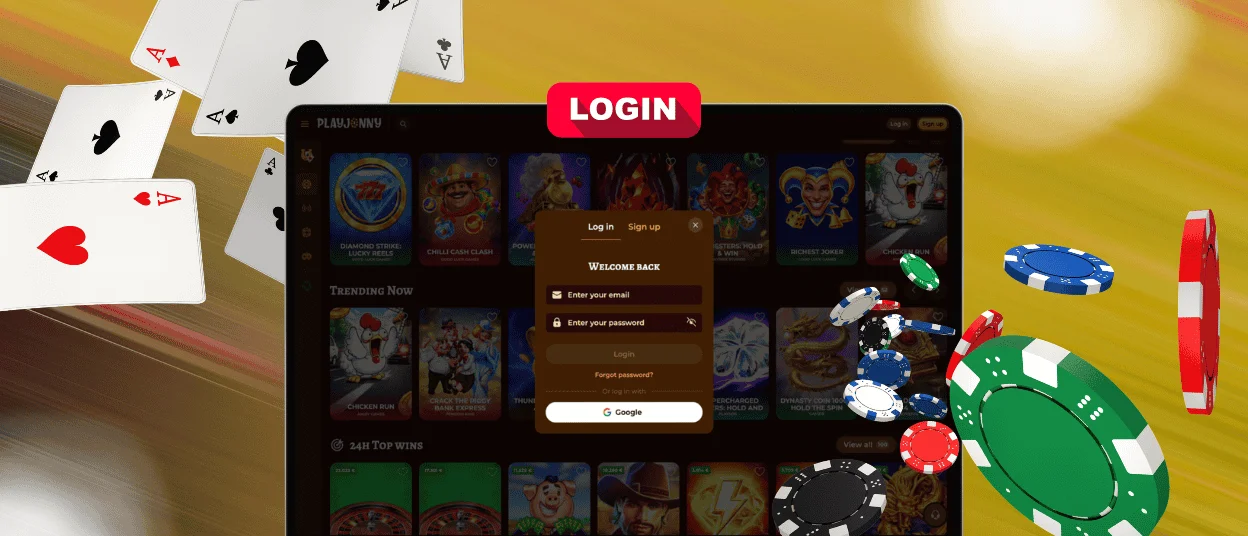
Playjonny login is for players who have already joined our casino. Use your email address and password to sign in, or continue with Google when this option is available.
After that, you can return to Play Jonny and continue from where you left off.



Playjonny Registration
Registration gives you a personal space at Playjonny and opens the full casino experience for registered players. After sign-up, you can return with the same email and password. We keep your information linked to one player record, so your activity stays organized.
New players can also claim the Playjonny welcome offer after sign-up: up to €2,500 + 250 free spins.
For regular use, Play Jonny keeps key player actions in one place. You can return without signing up again and check updates when they appear. Payment options and verification requests stay linked to your registration data.
How to Set Up Your Account
You can create a Playjonny account through the registration window on our website. The first step asks for the email address and password you will use later.
Registration starts with these fields:
- email address;
- password;
- optional promo code;
- age and Terms and Conditions confirmation.
You can also choose whether you want to receive news and offers from Play Jonny.
After filling in the first form, click “Sign up”. The next step asks for personal details. Enter your first name, last name, date of birth, and phone number, then click “Save”.
The registration window also includes a Google option. If you choose this method, you can continue through a connected Google profile when the option is available. You may still need to complete the second registration step after sign-up.
Play Jonny Login and Account Management
After signing in, you return to the player area created during registration. It keeps your personal information, current status, and available casino actions in one place.
In the player area, you can:
- check your balance;
- view active bonuses;
- make a deposit;
- request a withdrawal;
- update editable personal information;
- review verification requests;
- contact support.
We use the player area to show updates that relate to your play and registration data. If Playjonny needs more information from you, the request may appear there or come through support communication.
Common Playjonny Login Problems
Access issues can happen when the email or password does not match, the password needs to be reset, or Play Jonny needs an additional check. You can usually resolve basic access issues directly from the login window.
| Login Issue | What It May Mean | What to Do |
| Password does not work | The password may be incorrect or outdated | Use “Forgot password?” to reset it |
| Email is not accepted | The email may not match the registration record | Check the email address and try again |
| Google login does not work | The player may need to sign in with email | Sign in with email and password |
| Login does not complete | Playjonny may need an additional check | Follow the message shown on screen or contact support |
| Password reset email does not arrive | The email may take time to appear | Check all inbox folders and try again later |
Password recovery starts in the Playjonny login window. Use “Forgot password?” to request reset instructions. We send them to the email address used during registration. When that email is no longer available, support can help restore access.
Verification at Playjonny Casino
Playjonny uses Know Your Customer checks to confirm who uses the player profile and to keep payment activity connected to the correct player. Verification can appear at different stages, including deposits, withdrawals, or profile checks.
The request may include:
- full name;
- date of birth;
- residential address;
- an ID document;
- proof of address;
- payment details, when needed.
After upload, our KYC Team usually completes the review within 24 hours. Withdrawal options can remain unavailable until the check is complete.
Clear, valid documents help the review move faster. Make sure all details are easy to read and match the information in your Playjonny profile. If we need anything else, we will show the next request in your player area.
FAQ
Can I use the same Playjonny login after registration?
Yes. After registration, the same email and password remain your Playjonny login details. If you register with Google, use the connected Google profile to return to Play Jonny.
Why do I need to complete personal details after sign-up?
The first registration step creates your login. The second step adds the personal details we need to complete your player profile. These details help us keep the profile ready for verification and payment checks when they apply.
What happens if my login details do not match my profile?
Your login details must stay connected to your profile created during registration. When details do not match, we may request an additional check before access or payment proceeds.


