




Playjonny App
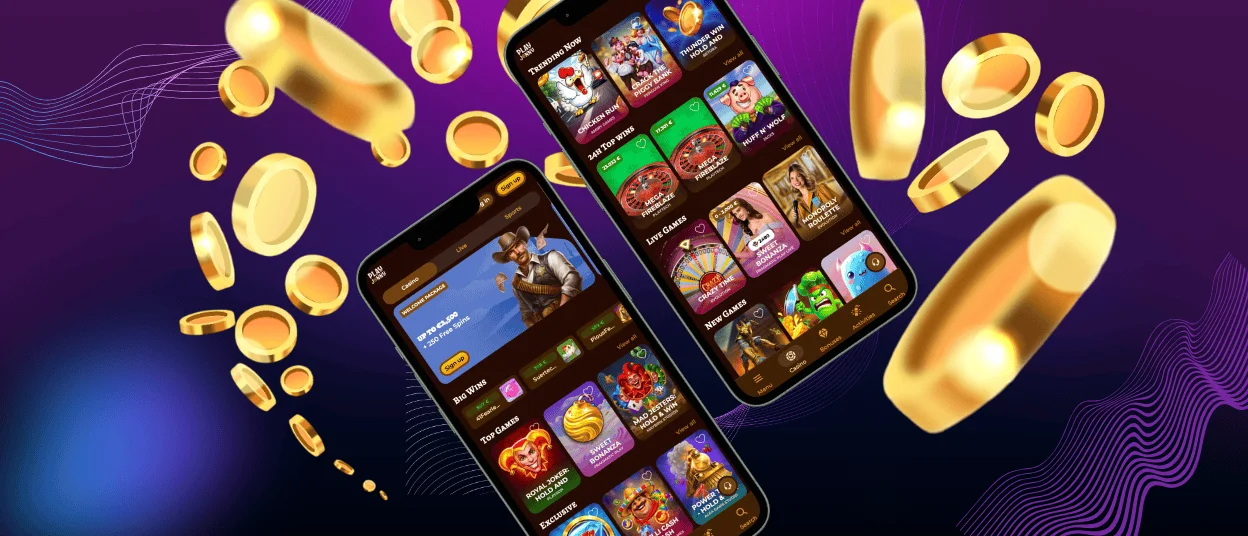
The Playjonny app operates as a Progressive Web App, so players can use the casino through the browser and save it as an icon on their device. It gives access to Play Jonny Casino without a separate native app download. Once added, the shortcut opens the casino from the home screen or desktop.



Benefits and Features of the Playjonny App
The main advantage of the Playjonny app is convenience during regular play. You can save the casino as an icon and return without typing the website address or searching through browser history.
Players usually notice the difference in small everyday moments:
- Opening the casino takes less effort. You do not need to type the address or search for Playjonny again.
- Setup stays simple. Add the shortcut through your browser and start from the home screen next time.
- Your account stays the same. The shortcut does not create a separate app profile.
- Mobile sessions feel more natural. You can check the lobby, open a promotion, or return to a game without sitting at a computer.
- Access stays official. The shortcut takes you to Playjonny itself, not to a third-party app.
The table below shows how the PWA compares with other ways to open Playjonny Casino.
| Access Method | Works Best For | Practical Difference |
| PWA | Regular mobile play | Opens from a saved home screen icon instead of a browser search. |
| Desktop shortcut | Players using the same computer | Keeps Playjonny available from the desktop or browser apps area. |
| Browser access | First-time or occasional visits | Lets players use the casino without saving anything on the device. |
Playjonny App for Android
Android users can open the Play Jonny app through Chrome and add it to the home screen as a shortcut. This gives the casino an app-like launch method while keeping access tied to the official website.
After setup, the icon appears with your other apps. You can move it to a convenient place on the home screen and open the casino directly whenever you want to play.
The Android PWA does not change how your account works. You still log in with your regular details, manage your profile, and use the same security settings available on Playjonny.
Playjonny APK
Some players search for a Playjonny APK when they want a casino app for Android, but our PWA makes a separate APK unnecessary. The home screen shortcut already gives you fast access to the official platform, without requiring a manual file download. This also keeps the experience simple: you access our platform through the browser, add the shortcut once, and return to the casino whenever you want to play.
Mobile Application for iOS
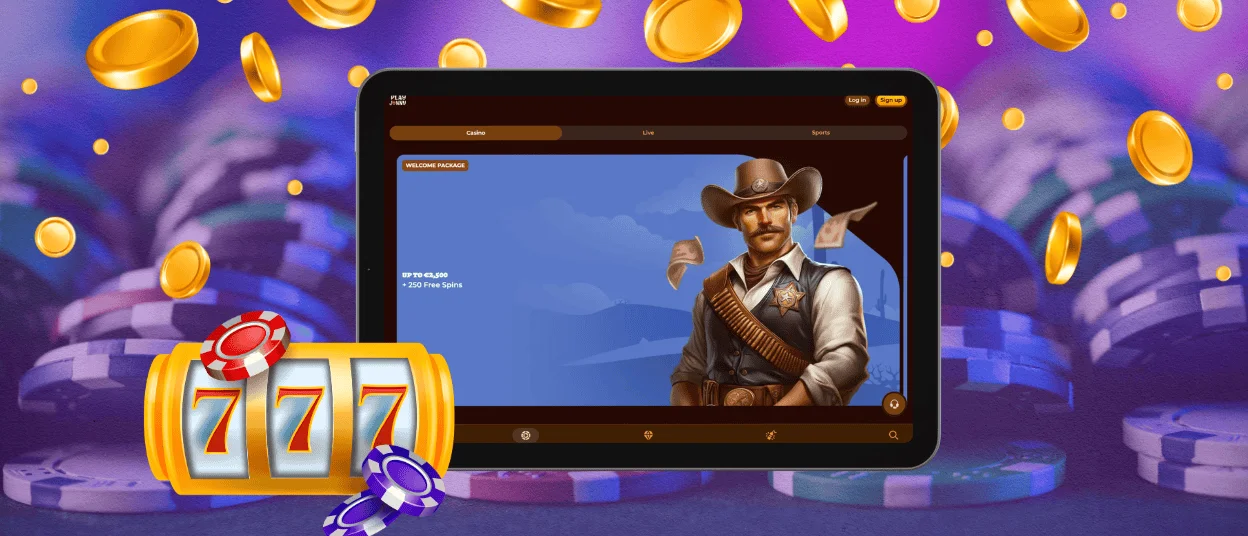
Play Jonny has no separate App Store download for iOS. iPhone and iPad users can add the casino to the home screen through Safari: open the website, tap the Share button, choose “Add to Home Screen,” and confirm the shortcut.
The shortcut works the same on iPhone and iPad. Players can use it for quick sessions from a phone or for a more spacious casino view on a tablet, especially when browsing the lobby or opening live dealer games.
This setup also keeps the process simple for iOS users. Instead of searching for an unofficial app, you save Playjonny from Safari and return through the home screen icon whenever you want to play.
Use the Playjonny PWA on Mac or Windows
The Playjonny PWA can also make desktop access faster. On Mac or Windows, you can create a browser shortcut and keep our casino available from your desktop or browser apps area.
For example, a player who uses the same computer regularly can open our casino in one click instead of typing the address or searching for the site each time. A larger screen still helps when browsing the lobby or watching live games, but the shortcut gives players a cleaner route to the platform.

How to Install the Play Jonny App on Any Device
The Playjonny app does not require a traditional installation. Since it works as a PWA, you only need to save Playjonny as a shortcut on the device you use most often.
To add the shortcut, use the browser menu on your device:
- Android: Chrome shows the option as “Add to home screen” in the three-dot menu.
- iPhone or iPad: Safari keeps it in the Share menu, under “Add to Home Screen.”
- Mac or Windows: Look for an option such as “Install,” “Create shortcut,” or “Add to desktop” in your browser menu.
The shortcut does not replace the website or create a second account. It simply gives you a cleaner way to return to Playjonny from the device where you prefer to play.
FAQ
Does the Playjonny Casino app offer customer support?
Yes. You can contact support from the mobile version of Playjonny the same way you would on the website. The shortcut only changes how you open the casino, so support stays available after you launch the casino from your home screen.
How can I update the Play Jonny app?
You do not need to update the Playjonny app yourself. Because it works as a PWA, new changes load through the website rather than through an app store. In most cases, reopening the shortcut is enough to see the current version.
How is a PWA different from a traditional casino app?
A traditional casino app usually needs a separate download. A PWA does not. With Play Jonny, you save the site as an icon on your device and use that icon to return to the casino faster. It feels closer to an app, but it still runs through the website.


